QwickPAY
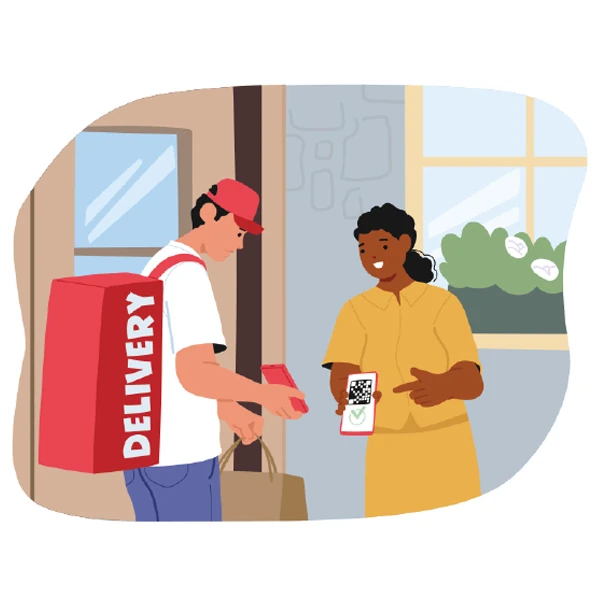
Turn phones and tablets into a secure point of sale for phone orders, drive-thru, carry-out, curbside, and delivery—card-present or card-not-present, wherever you sell.
Accept payments anywhere
Pair QwickPAY with MagTek hardware and the Magensa Payment Protection Gateway to keep card data encrypted from the moment it is read—whether you swipe, dip, tap, or key-enter.
Built for how you take orders
In-person and remote checkout
One workflow from reader to processor
Connect a supported reader, open the app, and complete the sale—receipts and funding follow your processor’s schedule. Acceptance depends on your chosen processor and certification path.
- Card-present and card-not-present in one experience
- Touch-free invoicing options for remote or curbside handoff
- Apple and Android devices and PC environments where supported
Downloads



Tap to Pay on iPhone
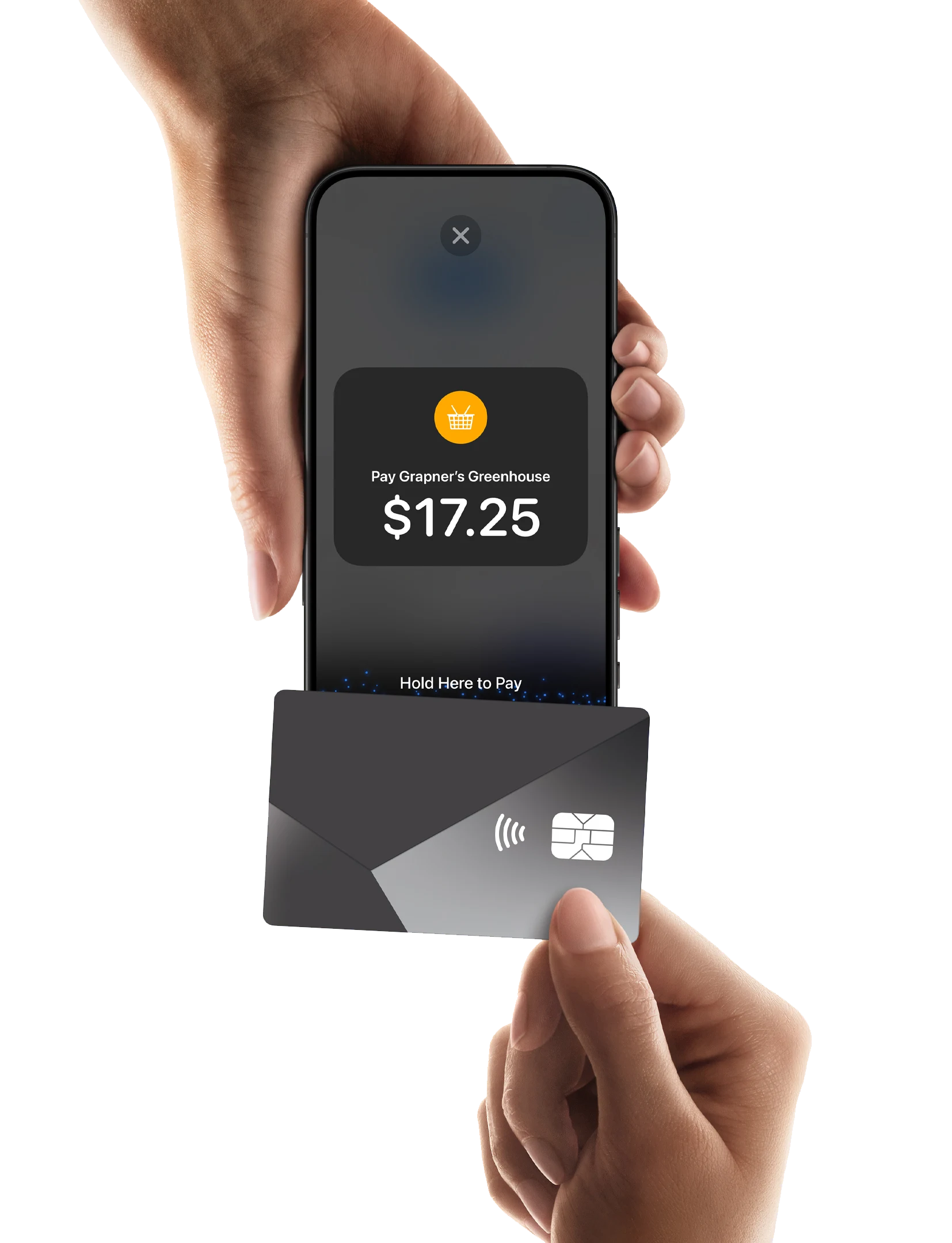
Tap to Pay on iPhone is now available with QwickPAY. That means anyone can accept all types of in-person, contactless payments - from physical debit and credit cards to Apple Pay and other digital wallets.
Tap to Pay
on iPhone
Do business in
more places.

Terms apply.
Get started in a few steps
-
Download the QwickPAY app.
-
Complete sign-up information.
-
Accept in-person, contactless payments — right on iPhone.
Need to keep taking taps when connectivity drops?
Learn about Store & Forward
Help and policies
Documentation, downloads, and contact options for QwickPAY and MagTek products live on the MagTek support site.